2026-03-16
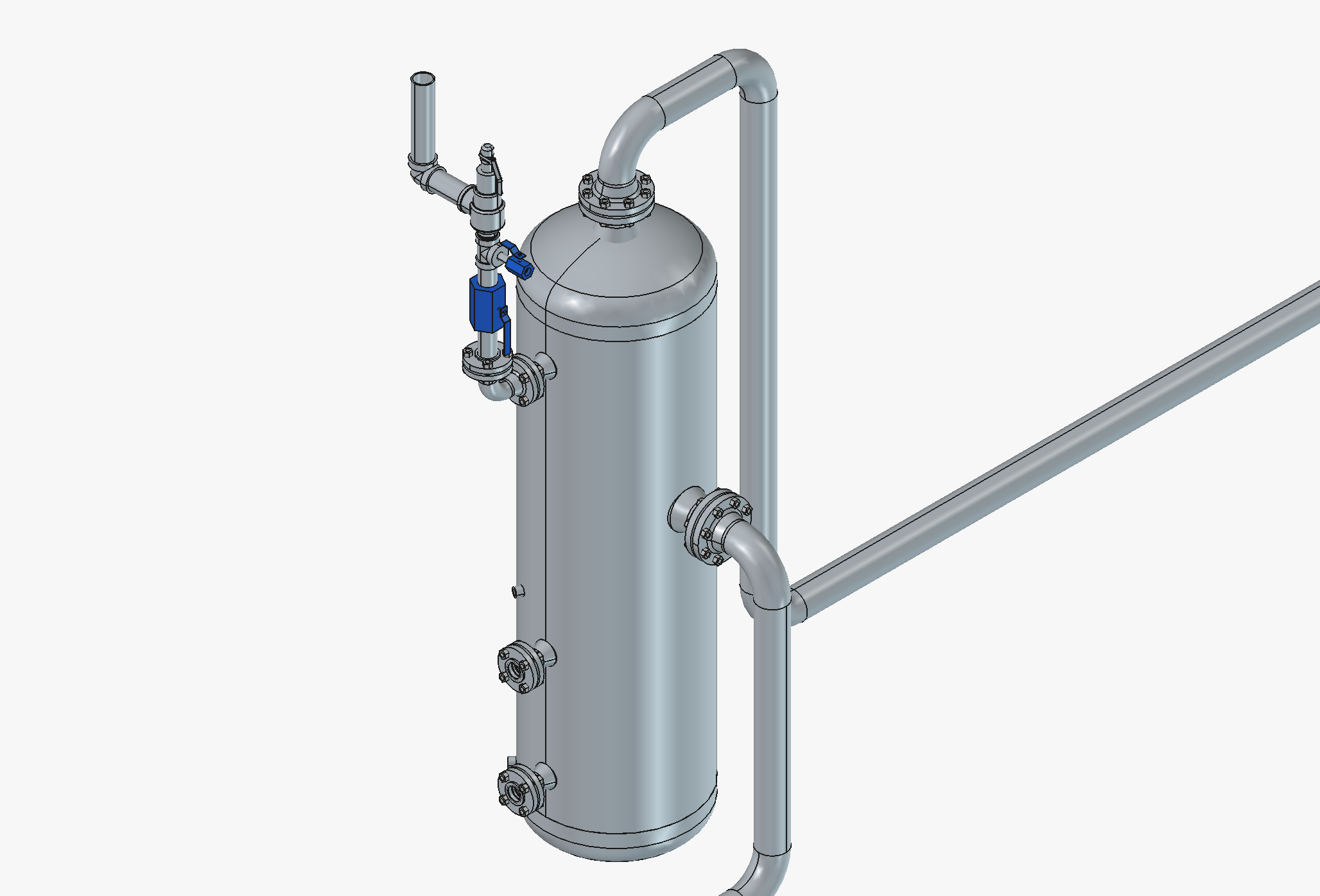
Discussion of FreeCAD software for piping design.
Written by: Peter Maginot

I’ve always enjoyed the tinkering aspects of engineering. Very frequently, a small piping modification is all that is required on a project. I find figuring out how to route the pipe for these small piping changes enjoyable, but making construction drawings for any piping change always seemed more complicated than it should be. Both large companies I’ve worked for had dedicated drafting teams, but they often had work backlogs of weeks to months. They also didn’t generally allow engineers to run AutoCAD due to the high cost of additional licenses that would mostly sit idle. What would inevitably happen would be that I would hand-draw the piping modification I wanted to be made, send it off to the draftsmen, wait a week to receive the first draft, send it back with revisions, wait another day or two or ten, and finally have my construction drawings for the two pipe spools that I needed. If the project was urgent, well, the hand drawings went straight to the welders, and let’s hope that they were legible enough with all of the erasing and re-drawing I inevitably did. This always frustrated me, and I often wished there was a low cost software program with which I could just make my own small piping designs without involving another team and waiting. A couple of months ago I discovered something that was almost there to do exactly this, and best of all, it costs nothing.
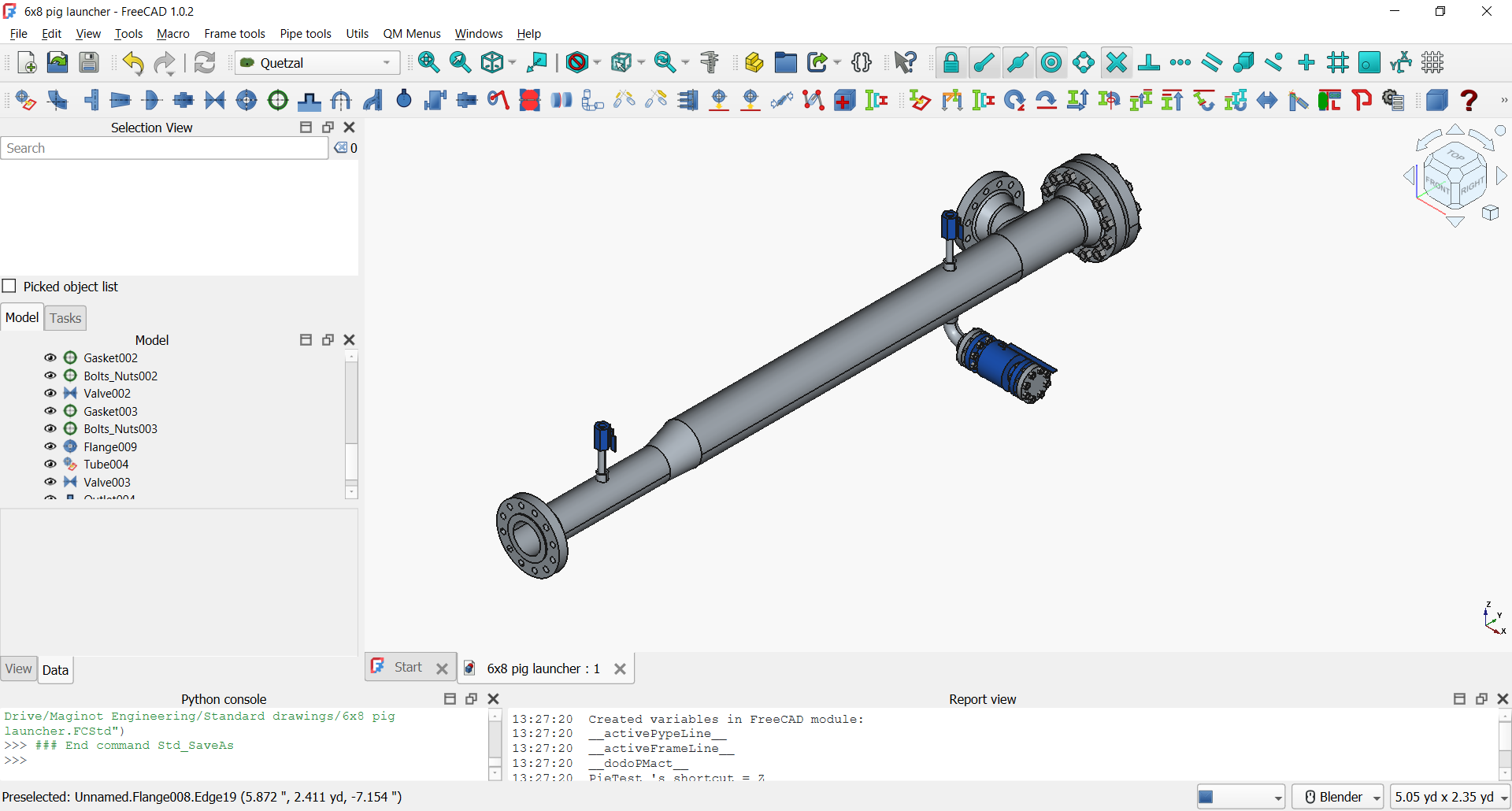
As its name suggests, FreeCAD is a free open-source 3D modeling program. Like the Hitchhiker’s Guide to the Galaxy, this means that it is developed by anyone who wanders in and sees something worth doing. You can download additional “Workbenches” for FreeCAD, which are specialized software add-ons for specific tasks. One such add on is Quetzal, a workbench specialized for arranging piping and structural components. When I wandered in a couple of months ago, it was possible to make basic spool pieces consisting of pipe, elbows, reducers, and flanges. Prior contributors had done the heavy lifting of assembling reference files with these components’ standard dimensions and getting the FreeCAD software to model them. This was a great foundation! It really just needed a few more common components before it could be usable for most small piping designs.
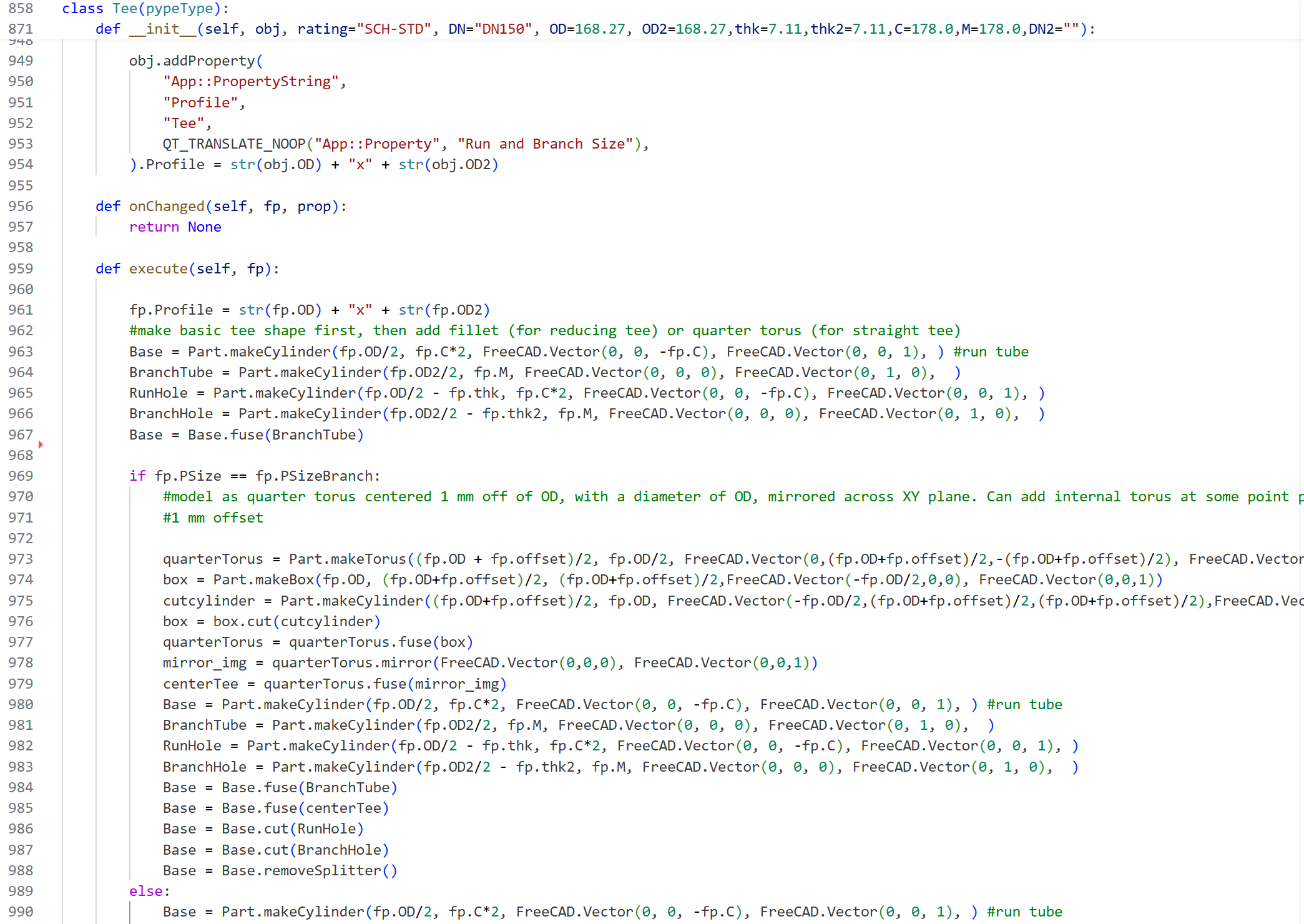
Dusting off my memories from the one semester of Python I took a decade and a half ago, I added the ability to insert standard butt weld tee fittings. Doing that manually gave me a decent understanding of how the program worked, and from there I took off with the help of Claude, adding reinforced outlet fittings, socket/threaded style elbow and tee fittings, flanged and socket/threaded valves, and couplings. This was the first big software project I’ve used an AI coding assistant for, and…well I can now understand the hype. I found that it is most helpful when it has a good template to work off of, and can quickly add features if you give it enough detail. It certainly doesn’t take all the work out of coding though, and you need to be very careful with making sure it doesn’t break anything else when it goes about making changes.
With these additions, FreeCAD is now a perfectly functional CAD program for designing basic piping systems. With FreeCAD’s additional TechDraw workbench for creating technical drawings, you can generate fabrication drawings for simple piping arrangements quite quickly.
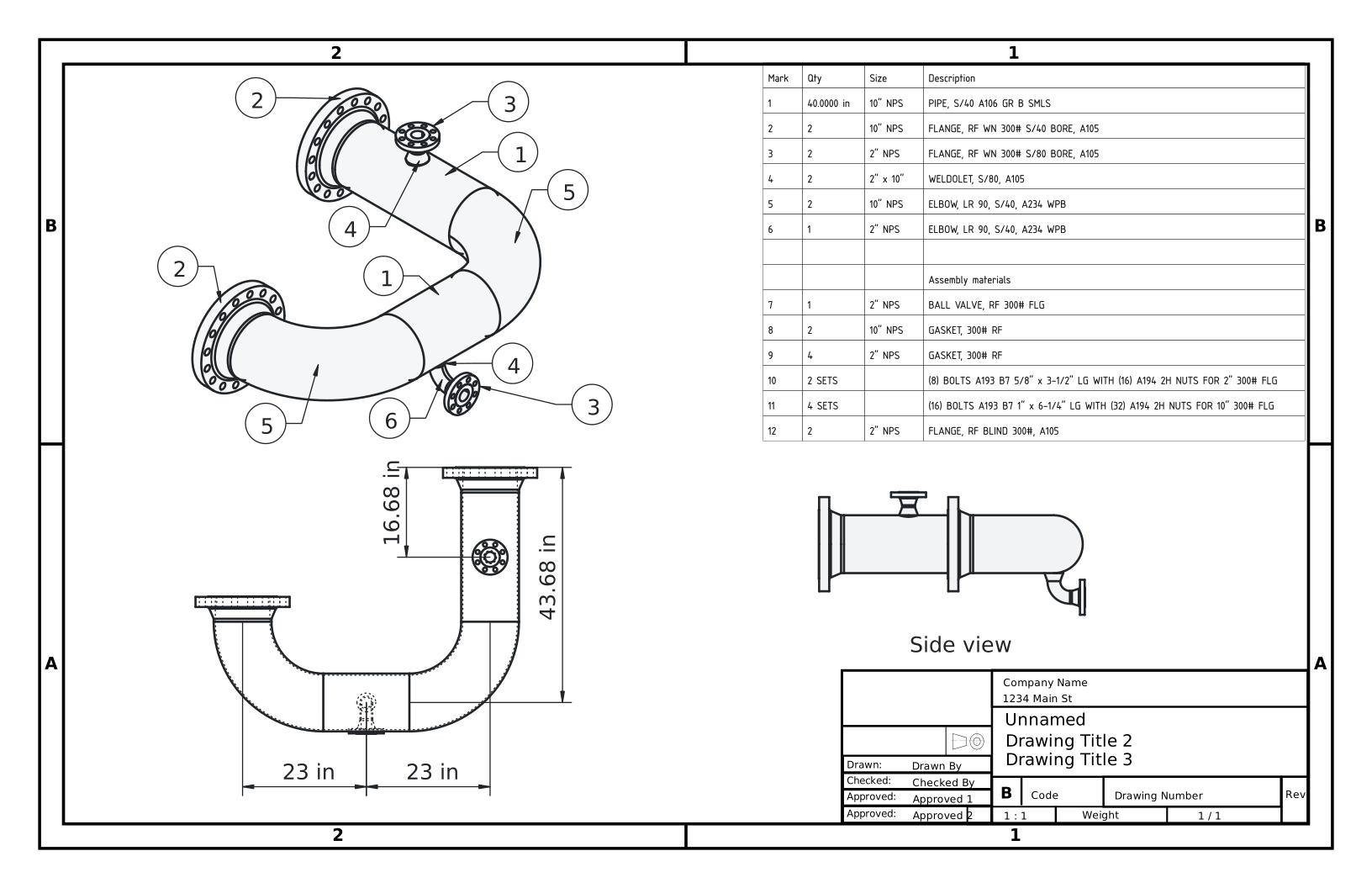
So if you have a few minutes, download FreeCAD and load the Quetzal workbench from its add-on manager and play around. Let me know if you think of any additional features you think would be useful, or take a crack yourself at improving the program yourself. Here’s the master Quetzal repository on Github and here’s my fork, which I use to try out new things once in a while.